Understand Scout and your project
Learn how Scout organises your installations, devices and data.
Scout brings your electrical data together in one place so you can monitor, analyse and share information about your installations.
Scout organises your data into three levels:
Project → Location → Asset
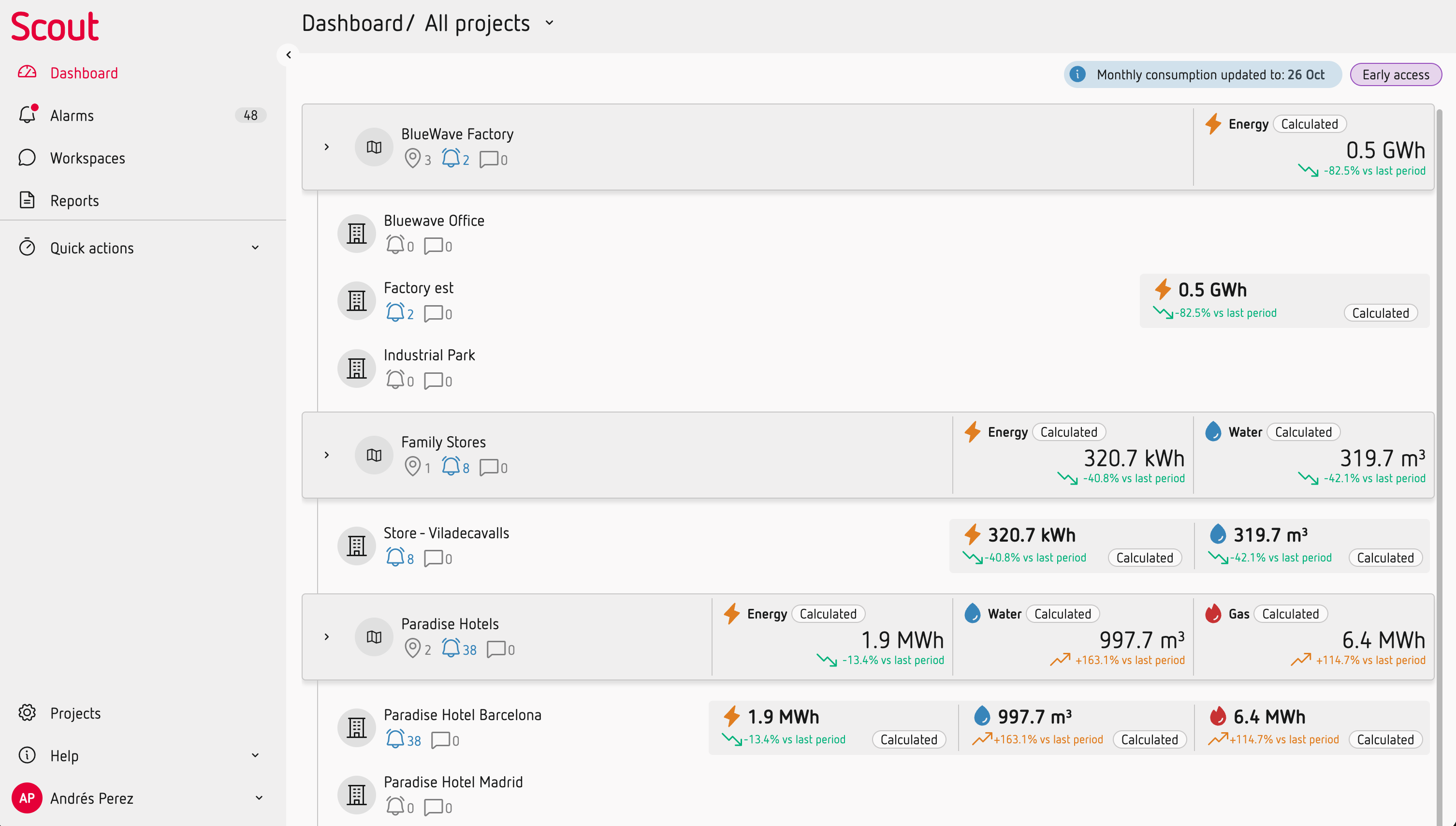
Project
A Project represents a customer account.
A customer managing its own installation will usually have one Project. A service provider managing several customers can have multiple Projects, typically one for each customer.
At Project level, you can access and compare information from your different Locations.
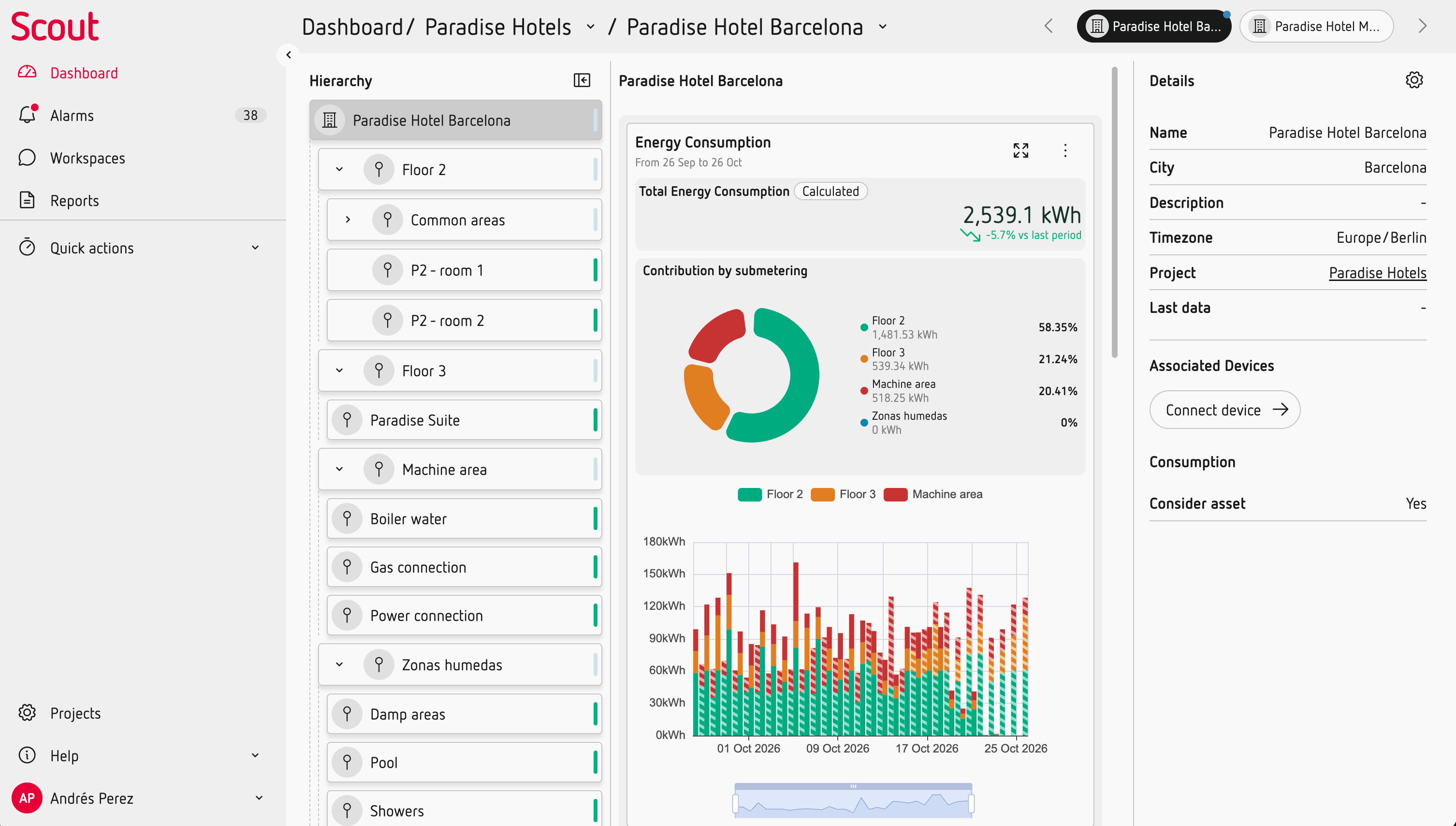
Location
A Location represents an installation or site.
Locations are usually separate physical sites, such as different buildings or facilities. This is the main level at which you work with an installation in Scout.
From a Location, you can access the data from all the devices connected to its Assets.
You can also configure installation-specific settings such as tariffs and time zones, and manage user permissions at Location level.
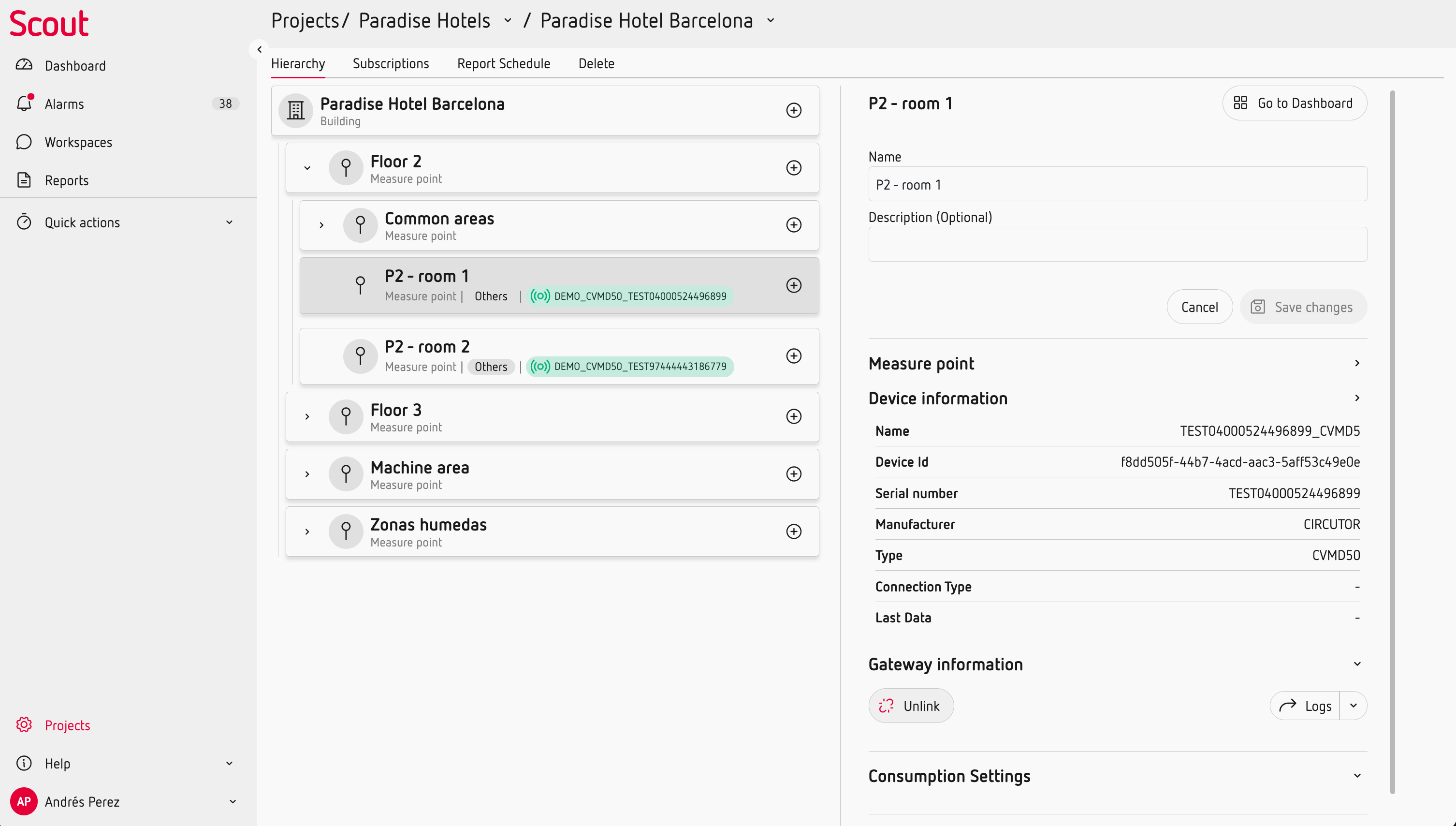
Assets represent what you want to monitor
Everything below a Location is an Asset.
Assets represent the elements of your installation that you want to monitor or analyse. They can represent measurement points, electrical systems or other elements that provide data to Scout.
Assets can be organised into sub-assets to reflect the structure of your installation.
For example:
Project → Building → Floor → Area → Measurement point
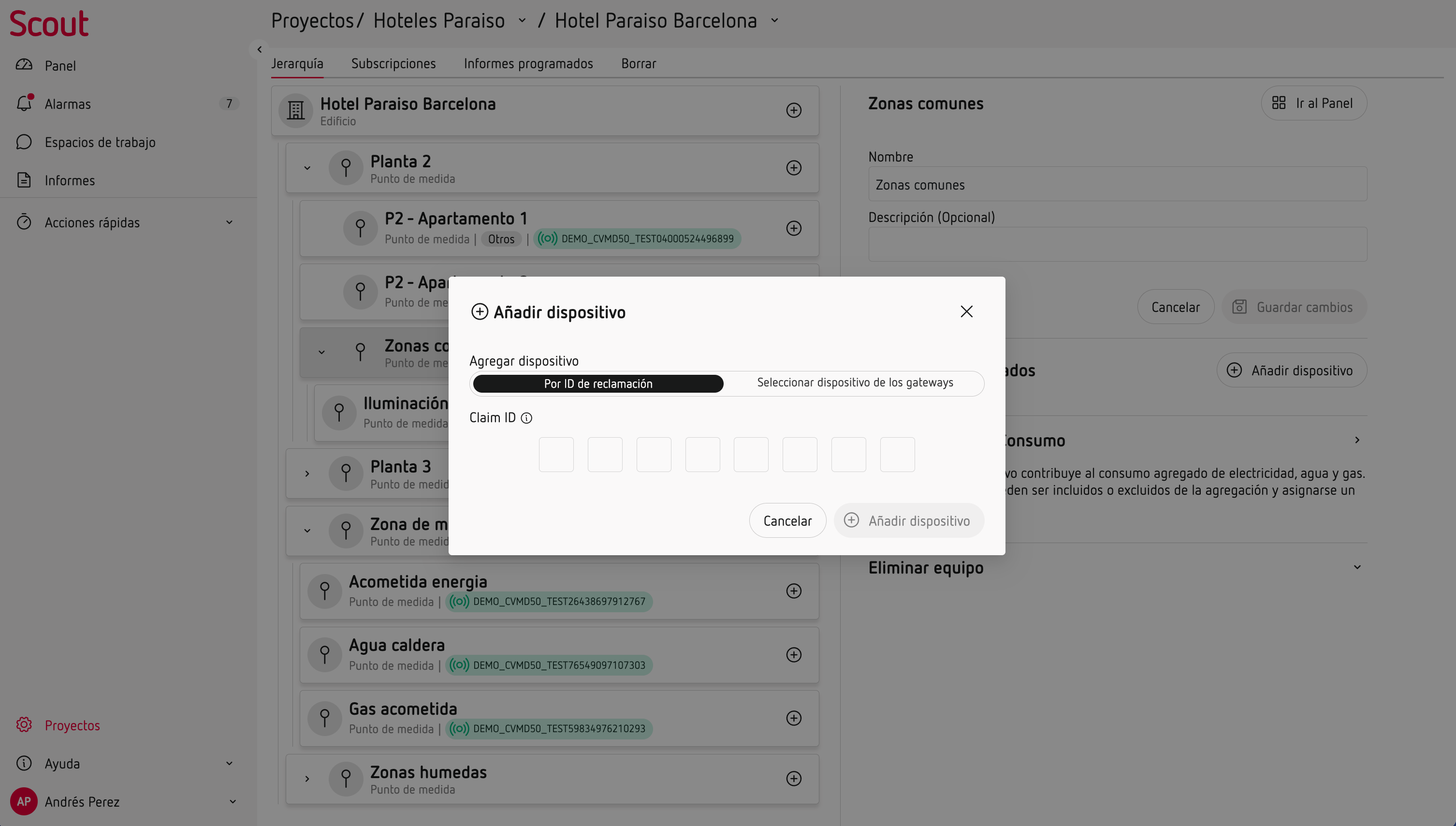
A device can be linked to a Location or to an Asset. Each Asset can have one linked device.
The Asset represents what the data belongs to, while the device is the source of the data.
Replace a device without losing your history
Because the Asset and the device are separate, you can replace a device without losing the historical data associated with the Asset.
For example, you can unlink an old meter and link a new one to the same Asset. The historical measurements remain associated with that Asset.
Scout standardises your measurements
Different devices can provide the same type of measurement. Scout standardises the name and meaning of these measurements, so you can work with them consistently across your installation.
For example, two different devices measuring voltage provide the same Voltage measurement in Scout. The same applies to measurements such as energy, current or power.
You don't need to configure these variable names for each device. Scout uses a common set of measurements so data from different devices can be used consistently across charts, analysis and reports. names
-->
Scout turns your data into information
Once your Project is configured and your devices are connected, Scout gives you different ways to work with your data:
- Home keeps your most relevant and up-to-date information at hand.
- Alarms helps you identify events that require attention.
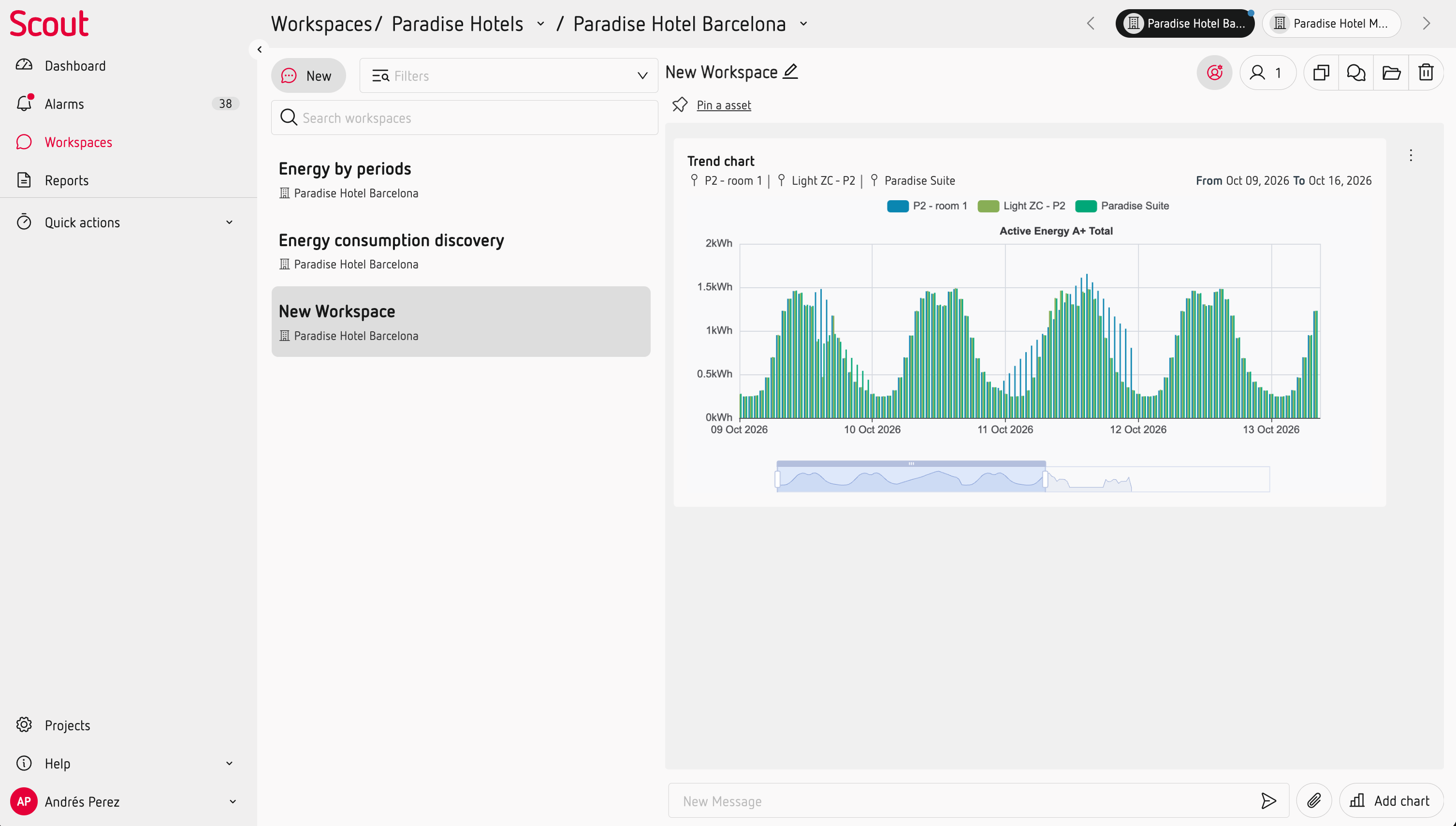
- Workspaces let you investigate and document a specific period.
- Reports bring together information for review and sharing.