Analyse and document a specific period
Use Workspaces to analyse a specific period, add context to your data and document your findings.
When you need to investigate what happened during a particular period, a Workspace lets you work with a snapshot of your Scout data.
Investigate what happened
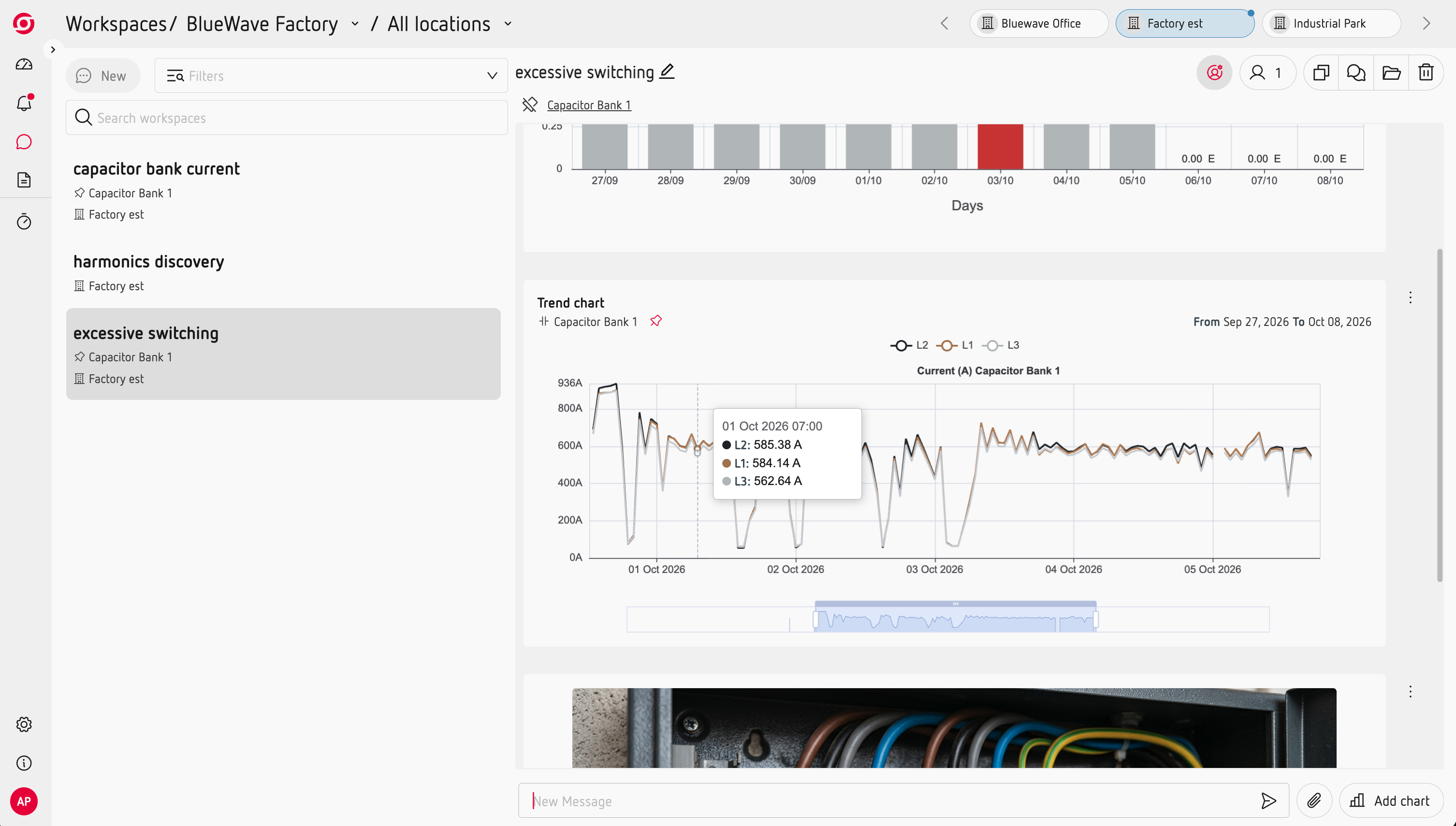
Select the period you want to analyse and add the charts and measurements that help you understand what happened.
Unlike Home, the data in a Workspace represents the selected period and does not change as new measurements arrive.
Add context to your analysis
You can add text and images to your Workspace to record observations, explain what you found or add information collected on site.
For example, you can add a photo taken during a site visit alongside the measurements you are analysing.
Work together
Workspaces are collaborative. More than one member of your team can contribute to the same analysis, making it easier to share observations and build a common view of what happened.
Take your analysis with you
When your analysis is ready, you can copy charts as images and paste them into reports, presentations or other documents.
Workspaces are useful for investigating specific events, preparing pre-reports or documenting the results of an analysis.