Find your way around Scout
Discover what you can do from each section of Scout.
Scout is organised into four main sections, each designed for a different way of working with your installation.
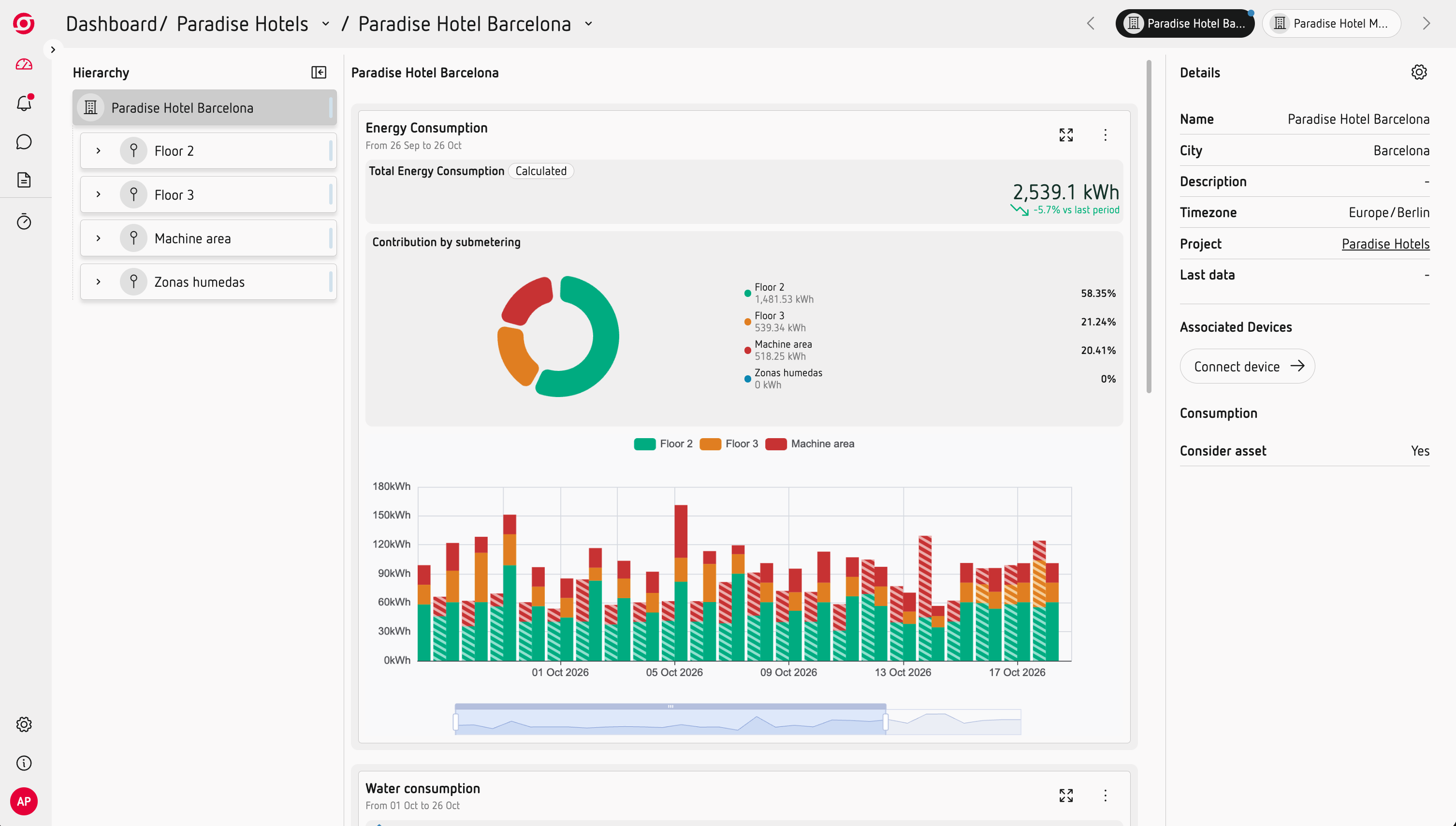
Home — Keep an eye on your installation
Home gives you quick access to the data that matters most.
Add charts and measurements to create your own dashboard and keep the latest available data at hand.
Learn more: Keep the data you need at hand
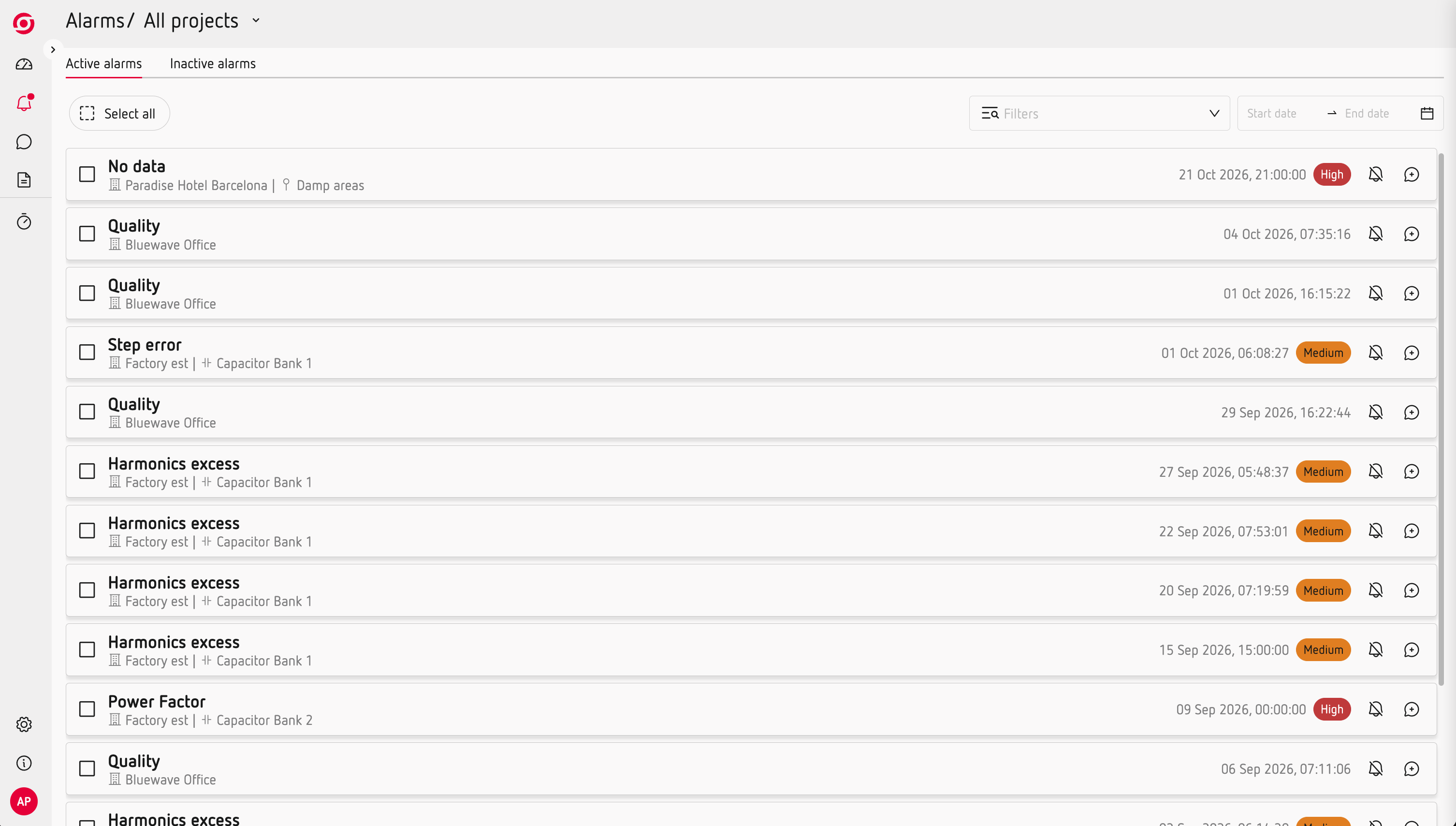
Alarms — Know when something needs attention
Alarms shows the events and alerts generated by your installation and devices.
Use this section to review events that may require your attention.
Workspaces — Analyse and document
Use Workspaces when you need to investigate a specific period in more detail.
You can add charts, measurements, text and images, and work together with other members of your team to document your analysis.
Learn more: Analyse and document a specific period
Reports — Create and share information
Reports turn your Scout data into structured documents that you can review, share or send periodically.
Depending on your project, you can generate different types of reports, schedule them and send them by email to configured recipients.
Learn more: Get a complete overview of your consumption
Project configuration — Set up your installation
Project configuration is where you define how Scout understands and organises your installation.
Depending on the functionality you are using, you can configure things such as:
- Your asset hierarchy and linked devices.
- Usage types.
- Tariffs and time zones.
- Other settings that affect how Scout organises or calculates your data.
Configuration is explained within the relevant Learn Scout articles, so you can make changes when you need them.